How do I use the Deta.e car charger?
Most homes have a Deta.e charger, though some have an Evolo unit instead — check the branding on yours before following app instructions.
The charger should have been registered for you. In your welcome pack there should be a manual with a PIN stuck inside on one of the pages. If you don’t have this — or the PIN doesn’t work (wrong barcodes and PINs have turned up in some packs) — contact Avant customer care or the site manager, as the site registers the charger and holds the details.
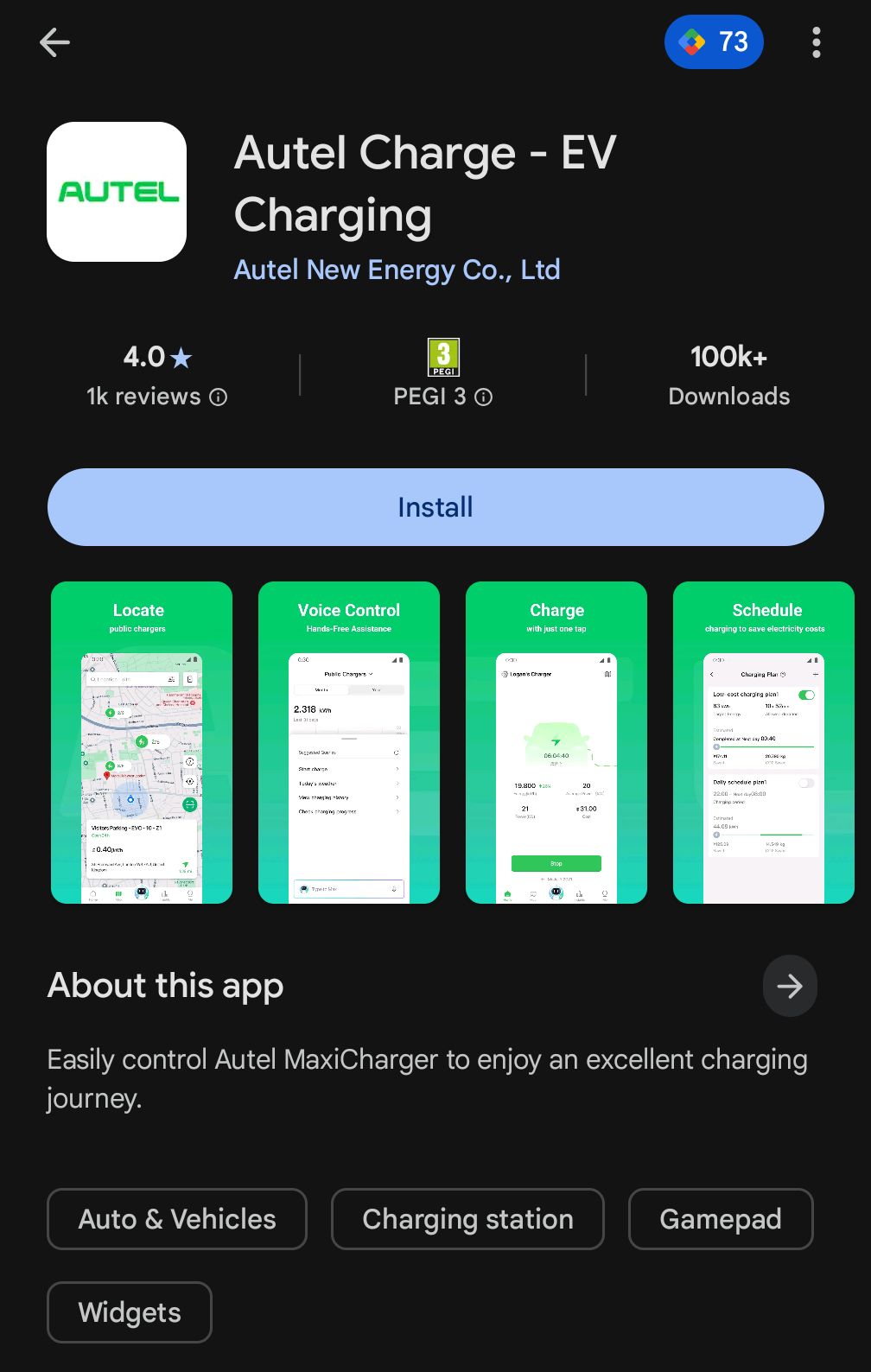
Download the Autel Charge app on your phone. The charger has a QR code on it which you scan in the app and it connects via Bluetooth. You will need to enter the PIN to connect.
If you lose your QR code/PIN, you can also email a photo of the charger’s side label (showing the serial number) to technical@deta.co.uk, or call Deta support on 01582 544500.
By default the charger will require you to start charging via the app — it effectively has a “lock” needing manual approval for each charge. If you’d rather just plug in and go, enable the auto start toggle in the Autel app’s settings.
My car isn’t charging — what should I check?#
Charging faults on the estate have almost always turned out to be a setting rather than a broken charger. Work through these in order:
- Is something scheduled? Check for a charge schedule set on the car itself, not just in the charger app. A car set to charge between 00:30 and 04:30 will sit and do nothing the rest of the time, whatever the charger says.
- Is the car already “full”? Many EVs have a charge limit (often 80%) set in the car. If it’s already there, charging stops immediately.
- Use one app, not two. If the charger app and the car’s own app are both trying to control charging, they fight each other and sessions drop. Pick one and turn the scheduling off in the other.
- Check the current setting. On the Deta.e, residents have fixed overnight charging that kept stopping by changing the amps in the Autel app.
- Isolate the fault. Try a different cable, try the car on a public charger, and try another car on your charger if a neighbour will help. That tells you quickly whether it’s the car, the cable or the unit.
- Smart tariffs. Some smart EV tariffs poll the car constantly to decide when to charge. A few models don’t cope well with this, to the point where owners can’t leave the car plugged in all day. If the problems started when you switched tariff, that’s worth investigating.
If none of that helps, the charger is under warranty — contact Deta support (details above) or your developer’s customer care.